Here at Macolabels.com, we’d like to wish all of our customers, and all of our prospective customers a very Happy Holiday!
Happy Holidays
December 27th, 2011Template for MS-6432
November 30th, 2011
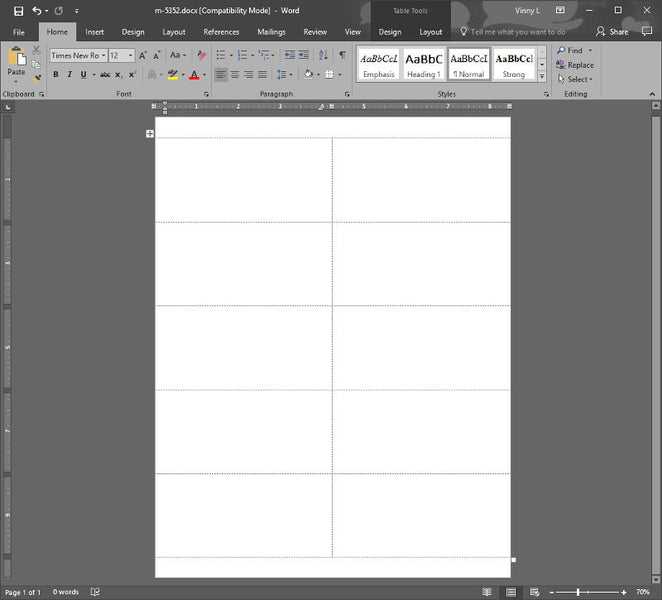
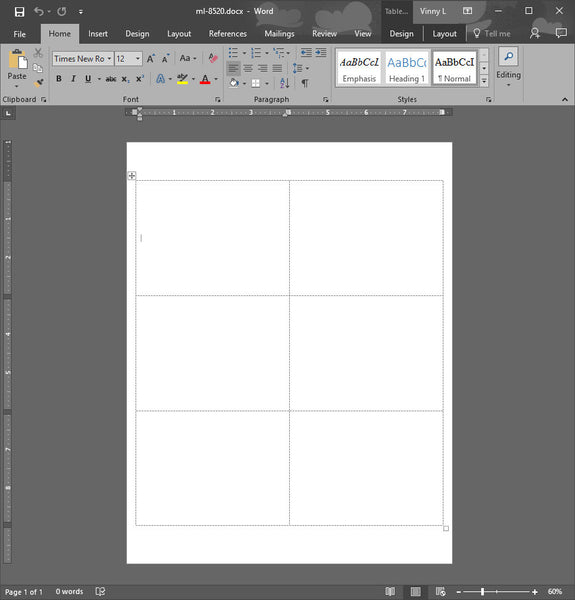
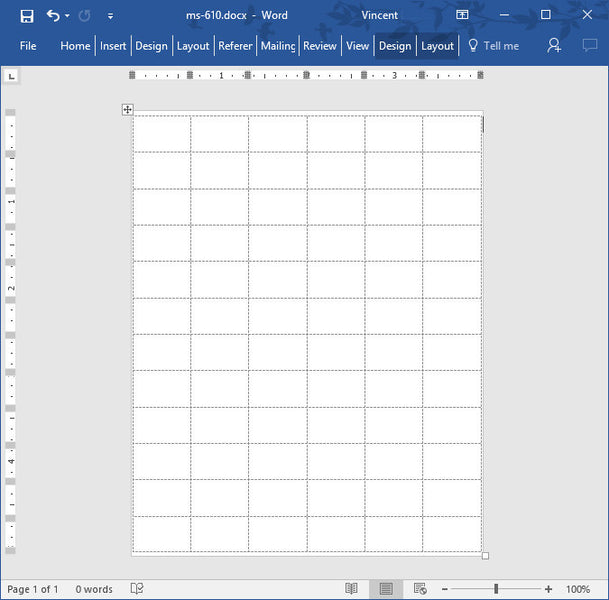
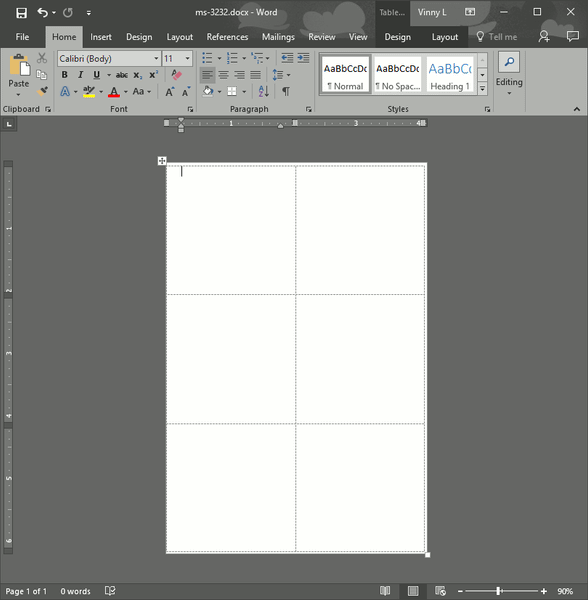
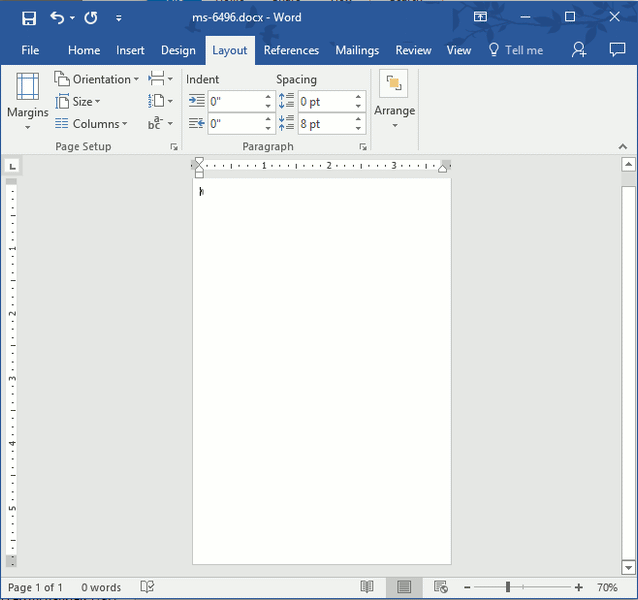
Click on the above picture to get the template in Microsoft Word Format.
Here’s a shout out to Shane, who needed a template for the MS-6432. As always, be sure that your printer can handle these labels. They were originally designed to be for hand applications, and they’re removable. Some printers have very tight paths over the rollers and these labels might come off of the sheet and damage your printer. Also, some laser printers run very hot, and could also cause the labels to come off in the printer.
Other issues with printing on these small sheets is that your printer might have large margins so that the printable area will be smaller than you think on the top and bottom labels.
MS-6424 Template for Removable Label
November 4th, 2011Here we go again, making yet another template for a small sheeted label. This time, its the MS-6424 Template for Removable General Purpose Labels.
Clear Wafer Seal
September 27th, 2011Sometimes you’ve got a need for clear wafer seals. Well, we’ve got them. The OS-801 Clear Wafer Seals are perfect for sealing all kinds of card mailing pieces. After applying these labels to your mailing piece, it’ll be tough to see that a label is there.

ML-0600 Shipping Label Template same as Avery 5164
August 17th, 2011From Avery Labels to Maco Labels
August 16th, 2011We’ve earned yet another new customer who’s switched from Avery to Maco Labels. You’ll find out too, if you make the switch. Maco labels are on par with Avery Address and Shipping labels. Many folks are surprised that after years of purchasing expensive Avery labels, which is a great product, that there is a low cost alternative – Maco Labels. Maco Labels also happen to be great products. If you need proof, just ask us. We’ll send you samples of our front page items the same day. Because our products are so good and cost effective, we have a very loyal customer base. Once we’ve won a customer over, chances are, they’ll be a customer for a long long time. Join us, and discover Maco Labels today.
Choosing Address Labels
August 15th, 2011Address labels can be a tough thing to shop for, if you don’t know what you’re looking for. Maybe you’re in the shipping department of a small company, or maybe you work in the office of some religious institution that needs to do mailings to thousands of recipients. Our ML-3000 labels are perfect for these large mailings. They’ll run through your printers with no problem, and they’ll stick to your envelopes after you applied them. You won’t catch our address labels falling off on the job. The ML-3000′s are perfect for a nice simple mailing list with Name, Address, CityStateZip.
Return Address Label Artwork
August 9th, 2011When creating artwork for return address labels, there are a few things to consider. The first thing to consider is what kind of graphic should you put in your return address label. Return address labels are small, and there are 80 labels on each page, so you’ll have to balance your desire for high quality graphics and document performance. High quality artwork (gif, jpeg, etc) copied over 80 times will negatively affect the performance of Microsoft Word, and Open Office documents. If your graphic is affecting your document performace too much, you’ll have to decrease the quality of the graphic. You could also choose to use an SVG graphic. Inkscape is a free program that will let you create and edit SVG graphics. SVG graphics are Scalable Vector Graphics where shapes and colors are defined by coordinates equations. They are fantastic because when you zoom in on the graphics, the quality of the graphic is not lost as it is in a gif, jpg, etc. There is another thing to consider with SVG graphics, how complex the drawing is. Keep the SVG as simple as possible, reduce the number of “Nodes” to the least possible. Many times when converting a drawing or sketch from jpg to svg, there will me many nodes that basically are not needed. It’s a painstaking job, but you’ll be better off minimizing the number of nodes which will increase document performance.
Free Operating System, Free Software to Create Address Labels
August 4th, 2011If you’re unaware that there was a free Operating System, then let me introduce you to Ubuntu. Ubuntu is a Unix like Operating System that functions like Microsoft Windows. You can run Word Processing, Database, Drawing and Spreadsheet programs that are free. Open Office contains all those things. Which you can then use to create the Address Labels or shipping labels that you need.
Ubuntu is super easy to set up. What’s really neat, is that you don’t have to install it as the main operating system on your machine. What you can do is download yet another free program called Oracle VirtualBox.
With VirtualBox, you install any operating system as a Virtual machine. So you can take Ubuntu for a test drive to see how you like it before installing on your hard drive as your primary operating system. You don’t need to spend all sorts of money to be productive and start printing address and shipping labels with expensive microsoft products.
CD Labels and DVD Labels
July 26th, 2011We’ve got CD labels and DVD Labels here. Ever want to create a CD label or DVD label in Microsoft Word that has text running along the path of a curve that is concentric to the label? Welps, Word can’t do it. Oh, you say you can? With WordArt? OK, you go with that then. You’ll discover the WordArt text is misshapen, and doesn’t follow the curve of a circle very well. Using Inkscape, we’ve created a CD/DVD label using our existing template for the ML-7560/ML-7565 labels. They’re the same as the Avery 5698 layout. You’ll need OpenOffice to check it out. Have no fear though, OpenOffice is FREE. We created the lettering in Inkscape. You’ll need that too, and it’s also FREE.
Once you’ve created the text in Inkscape, you can select the text, then copy it to the clipboard, and then paste it directly into your OpenOffice document. You can resize it to you hearts delight yet still print and display as clear as ever.